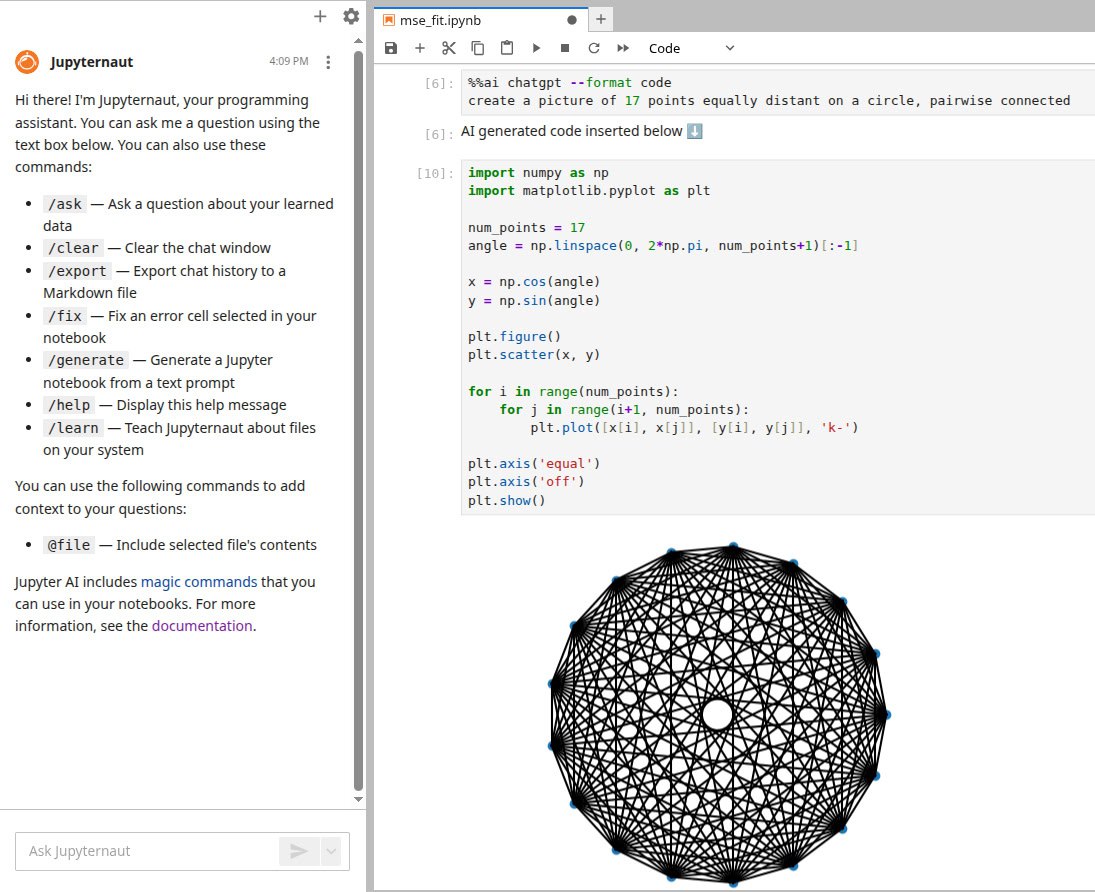
How to set up openai helper in jupyterlab
For quite a while I was procrastinating quite a simple task: to set up AI assistant in jupyter lab. Here I want to write down a sequence of steps for memory.
- set up environment: . ~/envs/env312 (my working venv)
- pip install jupyterlab
- pip install "jupyter-ai[all]"
- export OPENAI_API_KEY="sk-...your key..."
start jupyter lab, inside jupyter notebook
%load_ext jupyter_ai_magics
%ai list openai-chat
It gives you a list of available models
%config AiMagics.default_language_model = "openai-chat:gpt-4o-mini"
cost efficient everyday option
On the side panel there is a new pane "jupyter ai chat". Select here your model, paste OPENAI_API_KEY. It's a little bit ugly: seems like you are to both export it as an environment variable and plug in here, I couldn't fight it.
Now we have: "Hi there! I'm Jupyternaut, your programming assistant."
Here we are. Magic command gives us what we want
%%ai chatgpt --format code
create a picture of 17 points equally distant on a circle, pairwise connected